
 Sign in
One schedule across every car you keep. Add a VIN and the factory intervals arrive drafted; from then on it tracks miles, months and tire dates across the collection — and stays quiet until something is genuinely due.
Request an invitation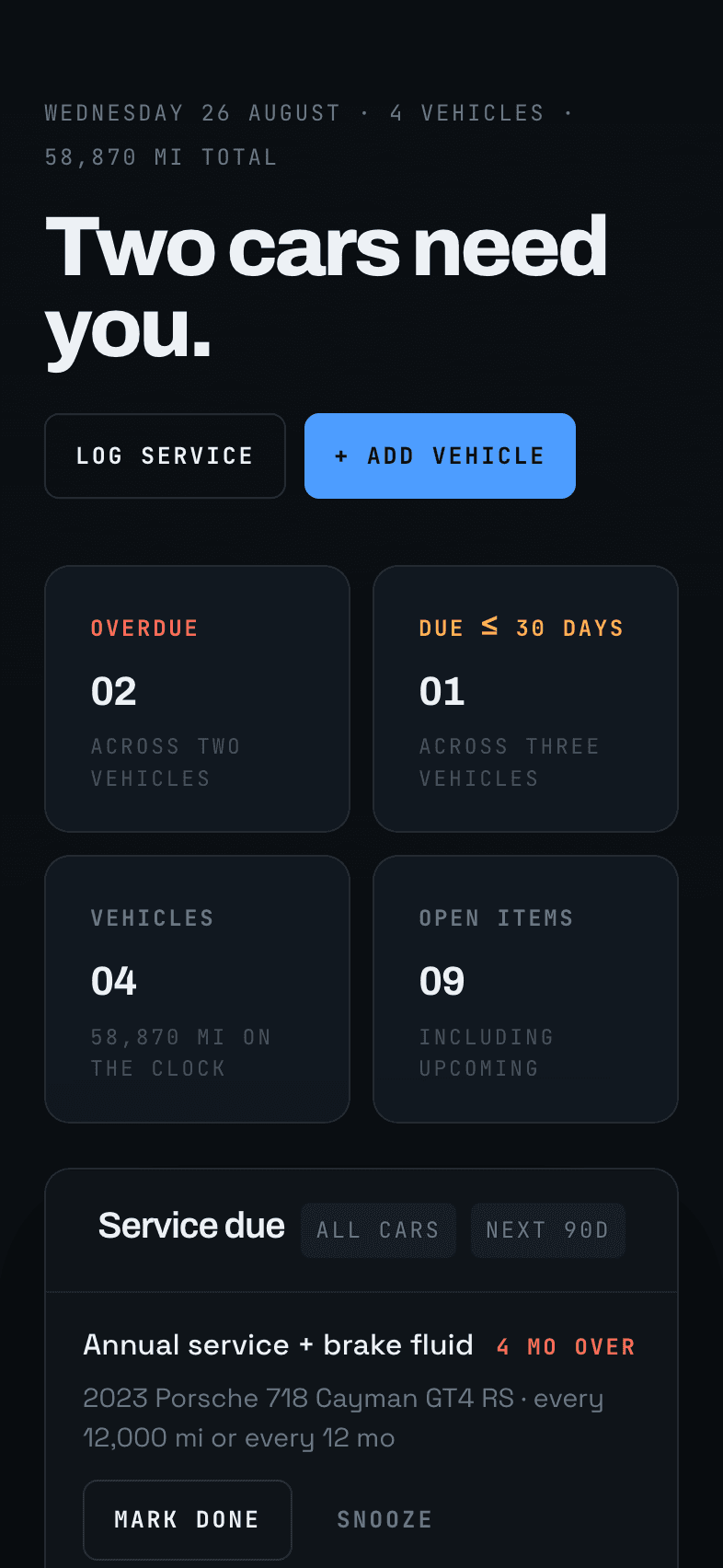
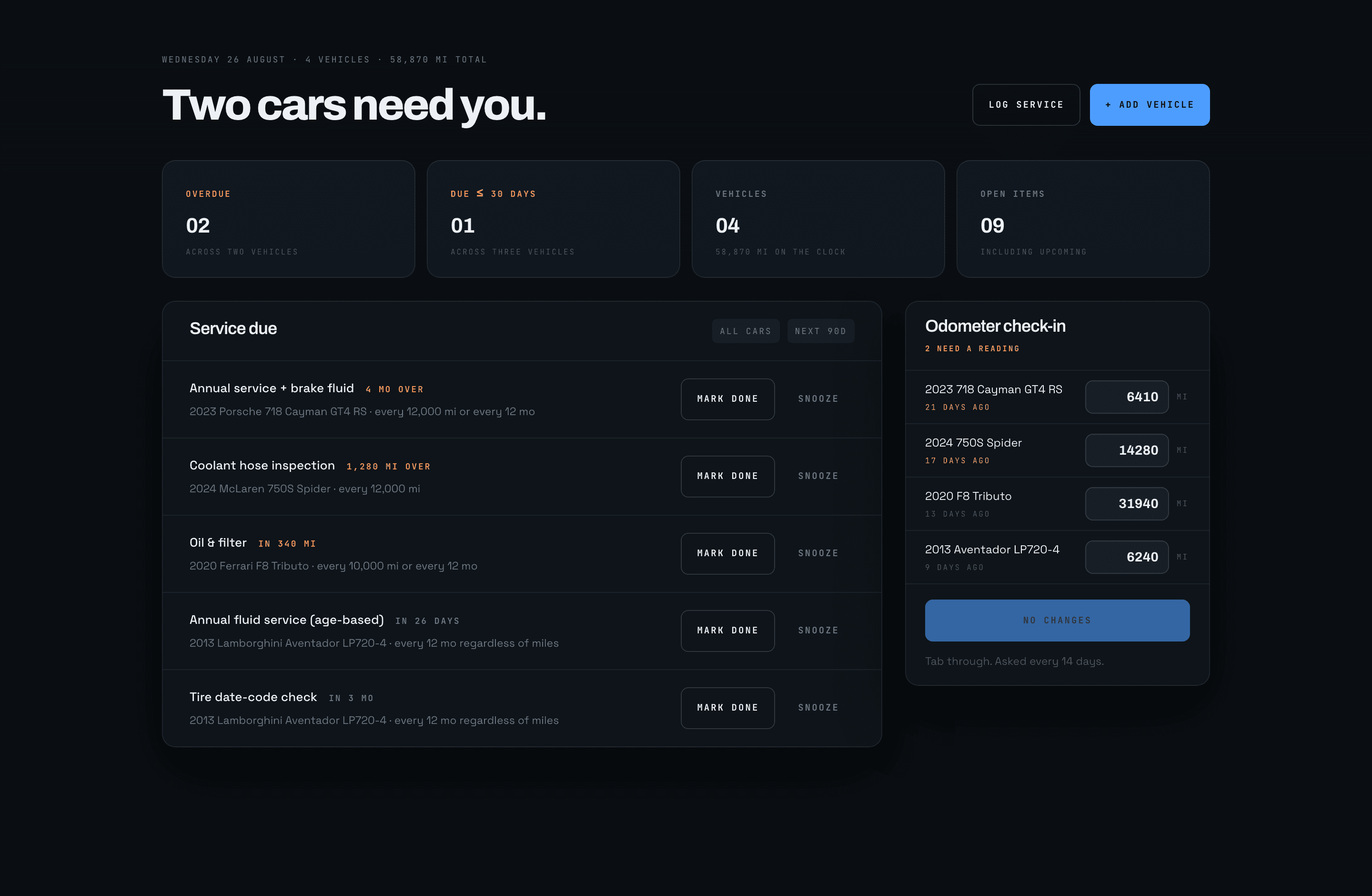
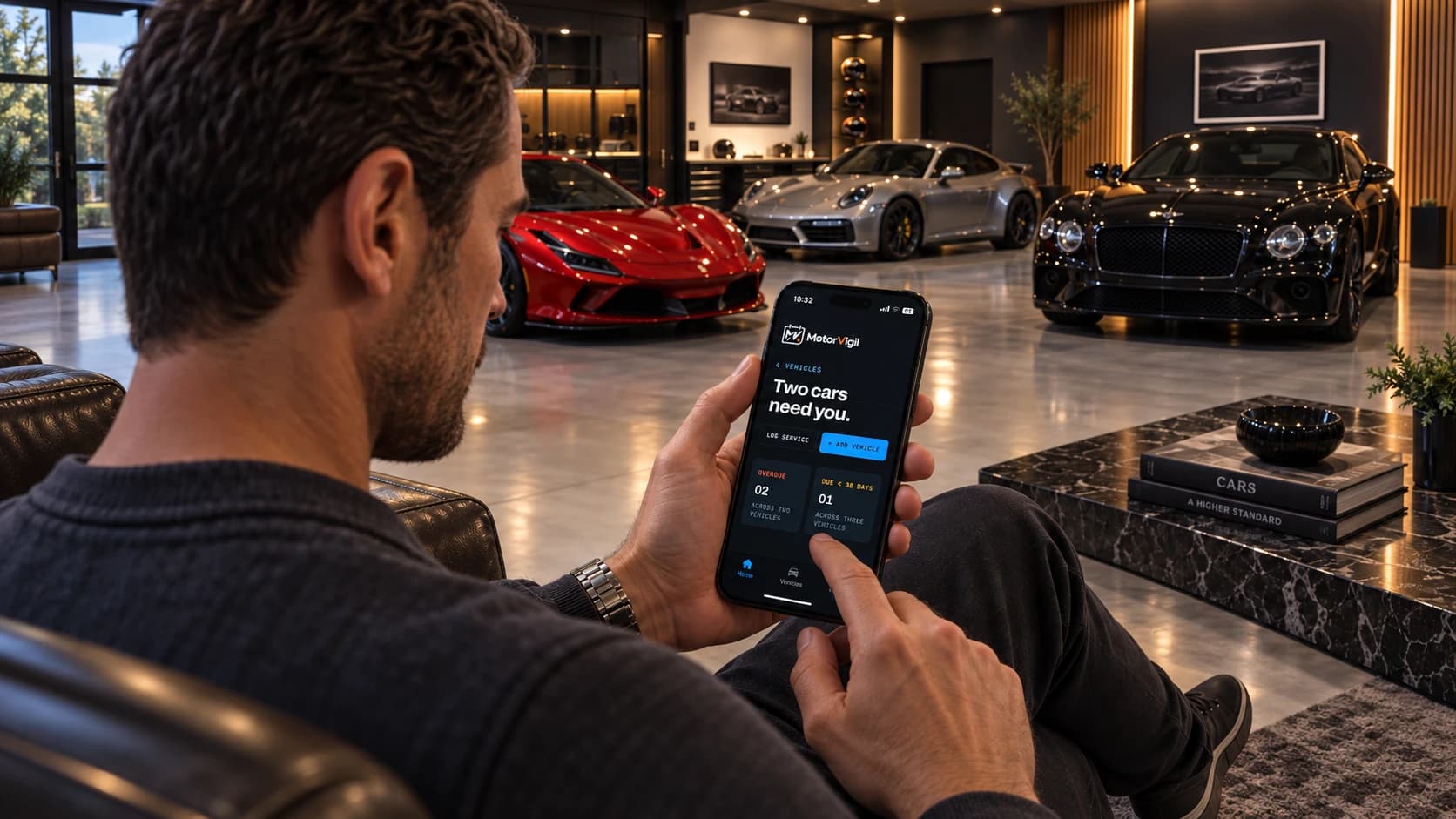
A VIN goes in and the factory schedule comes back drafted. Miles, months and tire dates run in the background. You log what a visit covered and the clocks restart from that mileage — and the app stays quiet until something is genuinely due.
Narrated, with captions on screen. Nothing loads until you press play.
A VIN — typed, or photographed off the door jamb. The factory schedule is drafted for that engine in about half a minute.
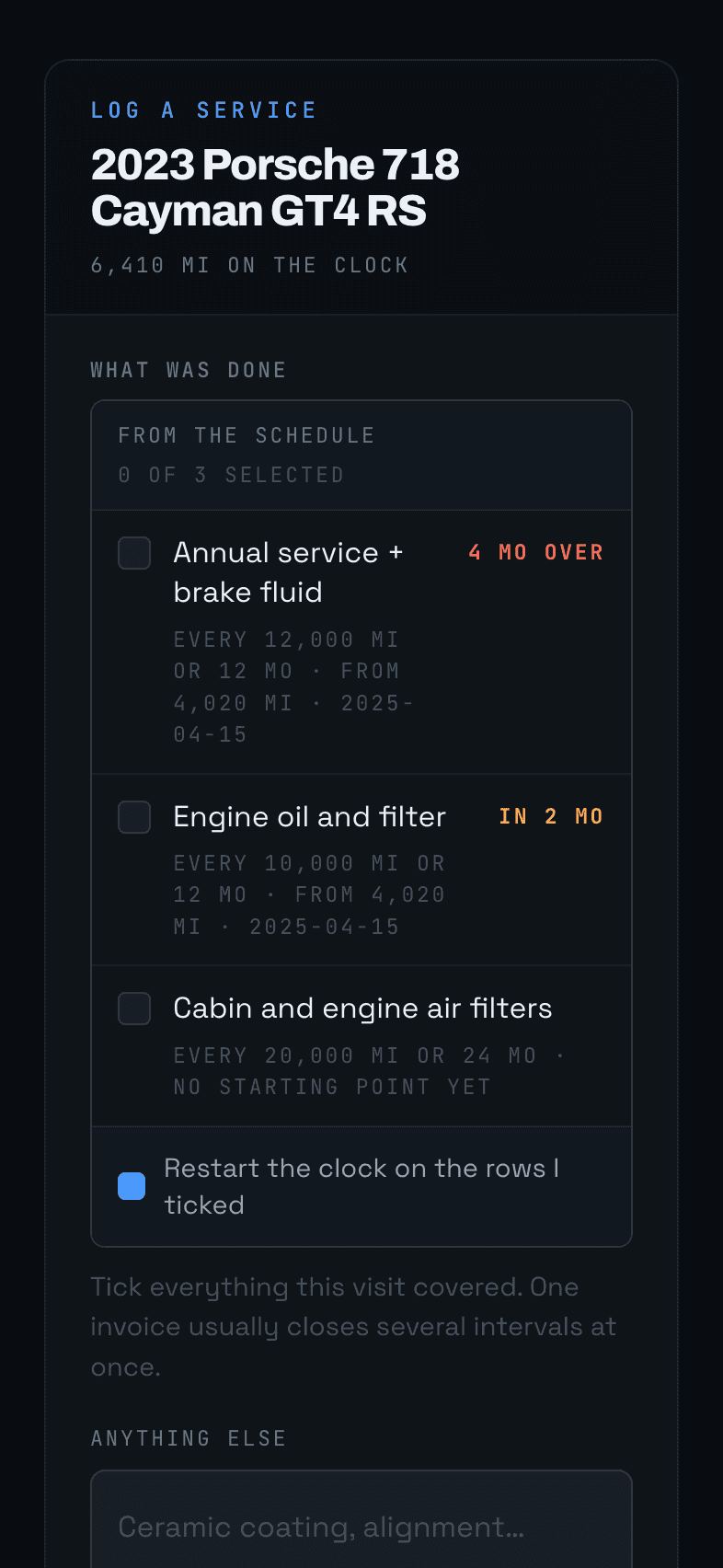
Tick what a visit covered and the clocks restart from that mileage. Old invoices go in as history without moving anything.
It watches every interval on every car and speaks when one comes due. If nothing is due, nothing arrives.
Every marque counts differently — miles on one, months on another, both on a third. Four cars is four schedules in four glove boxes.
Brake fluid ages in the garage. Tires expire on a date, not a mileage. The car you drive least is the one that surprises you.
A documented history is part of what a collectible is worth. A folder of receipts is not the same as a record you can search.
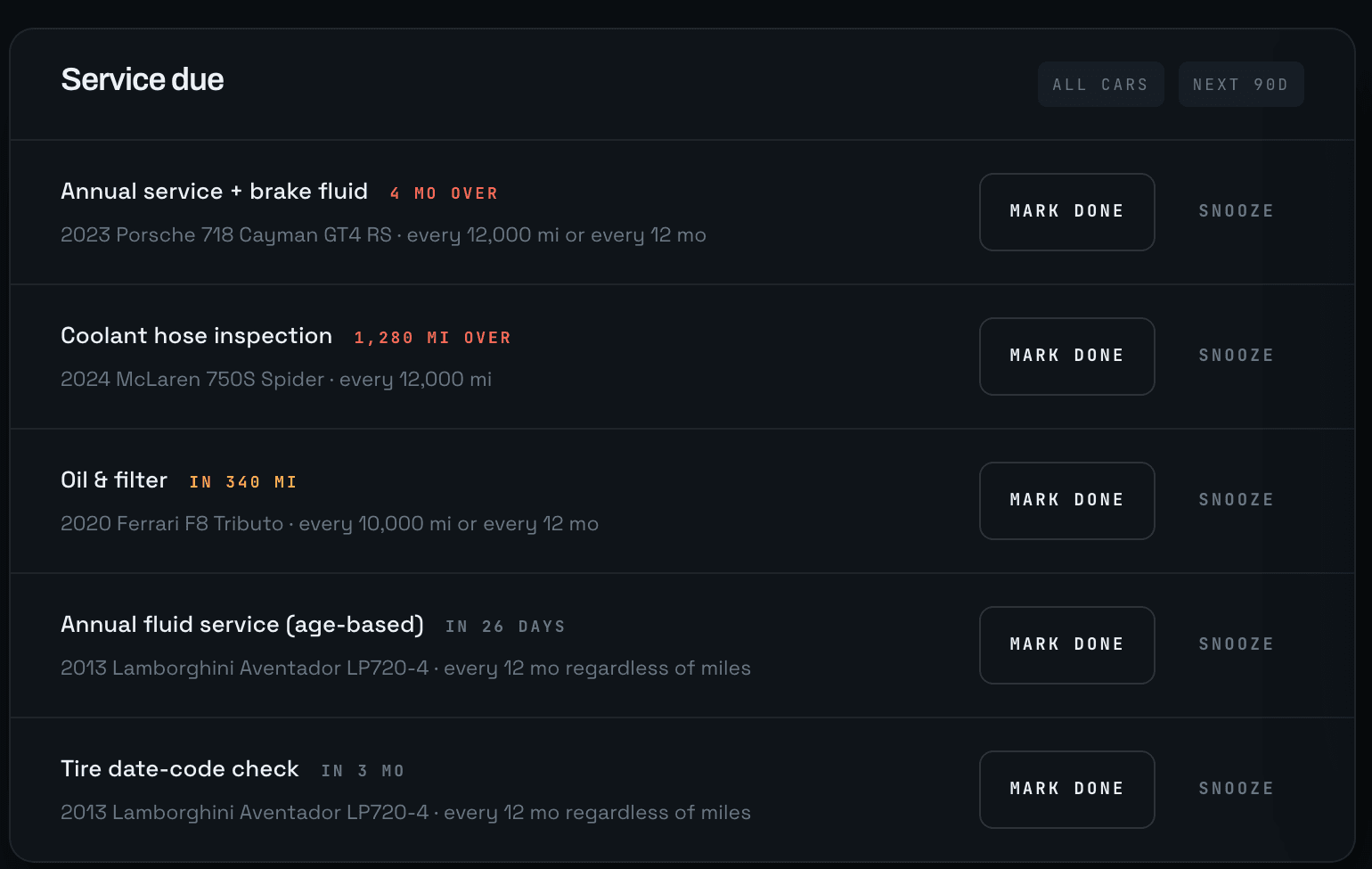
Mileage and calendar intervals are ranked together by how much of each interval is left — so a car four months overdue for brakes sits above one that has a fortnight-old odometer reading.
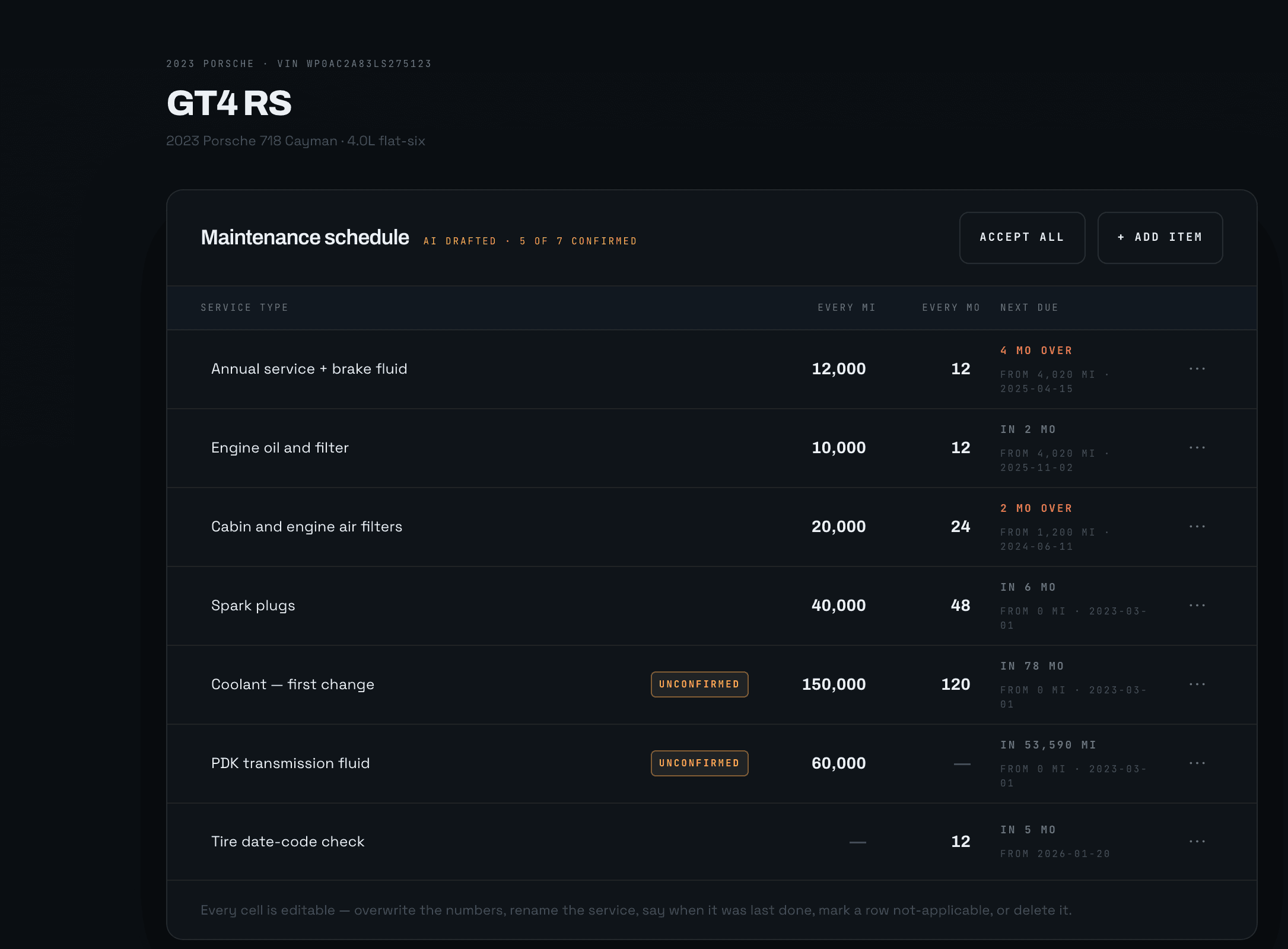
Enter a VIN and the factory schedule is drafted for you — decoded, dated, and editable to the last cell. Anything it is unsure of is flagged for review rather than asserted.
Every mileage forecast depends on a current reading, so a stale one is treated as a problem in its own right — ranked below real mechanical work, never buried.
Tread readings, oil levels and service records are dated and kept. Logging an invoice you found in a drawer cannot rewind the car.
Drag the odometer and watch four intervals change their minds. The oil comes due on distance, the annual service on the calendar, and which of them matters most depends entirely on where the car is — which is the whole argument for keeping one list instead of four.
It runs the same ranking function the dashboard, the vehicle card and the nightly email all read, so it can only ever tell you what the product would.
One car, four intervals. The list below is ranked by the real engine, not a mock-up of one.
- Annual service + brake fluid4 MO OVER
- Cabin and engine air filters2 MO OVER
- Spark plugsIN 6 MO
- Engine oil and filterIN 2 MO
Ranked by how much of each interval is left, not by the raw number — which is how a 40,000 mi item can sit above a 10,000 mi one, and how miles and months end up in a single list.
Type or photograph the VIN and the factory schedule is drafted — every interval, in miles and months, for that engine and that gearbox. Nothing is locked: every cell is editable, and anything the draft is unsure of arrives flagged for review rather than asserted as fact.
What you confirm is yours. What you delete never comes back.
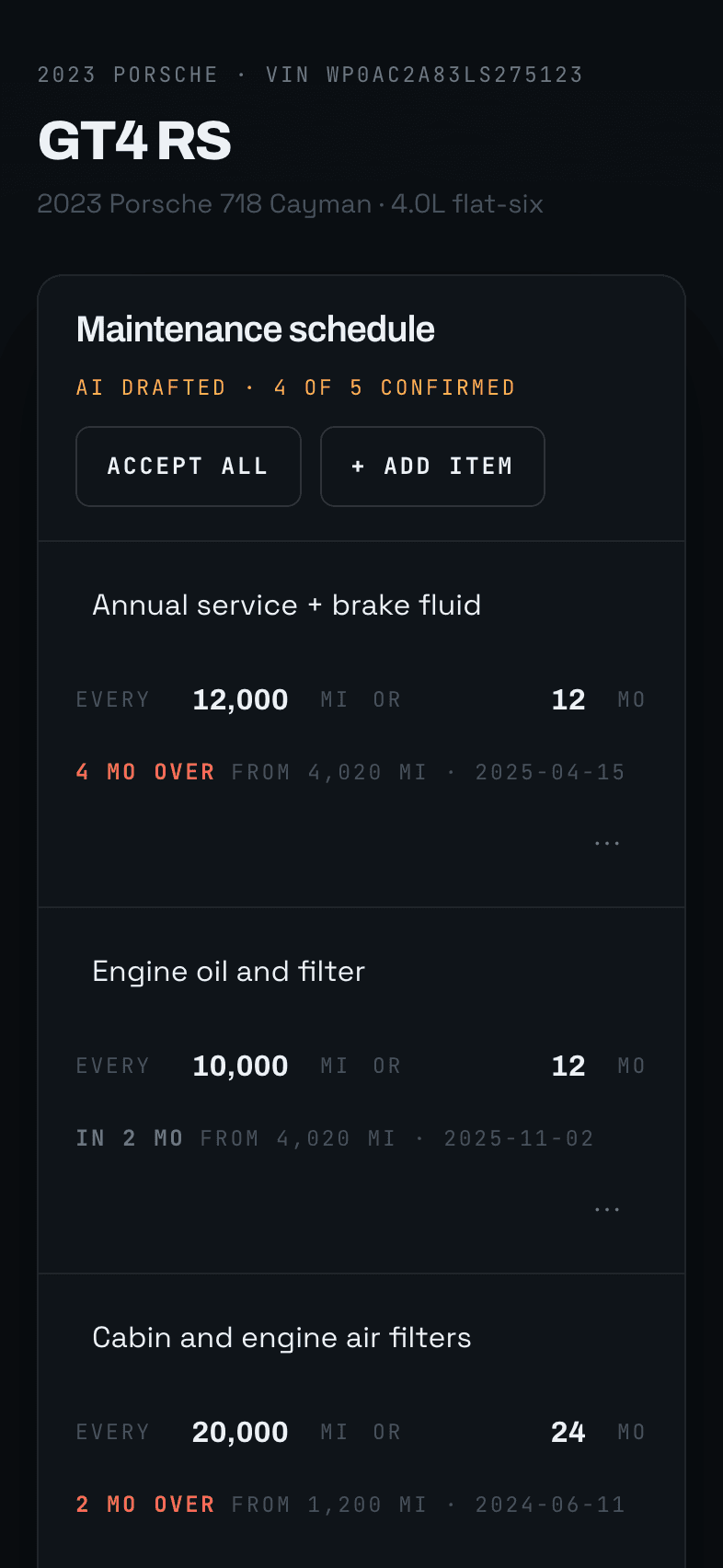
One invoice usually closes several intervals at once, so what was done is a checklist of that car’s own schedule — tick the rows the visit covered and every clock restarts at the mileage you enter. Anything outside the schedule goes in beside it, recorded without moving a thing.
Readable in a badly lit garage, one-handed, with the engine still ticking.
The DOT code says the week a tire was made, so the app can tell you a set is ageing out years before the tread does. Depths are recorded per corner and dated — a later reading never overwrites an earlier one, so wear is a line you can follow rather than a number you replace.
| Read | LF | RF | LR | RR |
|---|---|---|---|---|
| 2026-08-14 | 5/32 | 5/32 | 3/32 | 2/32 |
| 2026-04-02 | 6/32 | 6/32 | 5/32 | 4/32 |
| 2025-11-20 | 7/32 | 7/32 | 7/32 | 6/32 |
- Track-day oil checks that reset the clock
- Tire tread and age tracked per corner
- Log a service from your phone beside the car
- Every invoice searchable years later
- Storage-aware rules for cars that sit
- One record per car, from the day it arrived
- Household members with their own logins
- Your shop on the digest without an account
- Read-only access for anyone who just watches
One email, weekly or monthly, and only when something is actually due. Nothing open means nothing sent — the surest way to make a reminder worth reading is to send fewer of them.
Each person chooses their own cadence and whether they hear about everything or only what is overdue. Your specialist can be on the list without an account.
Alexander,
3 overdue, 1 due soon across The Whitfield Collection.
Tires — replace rear pair
TREAD 2/32 · 2023 GT4 RSAnnual service + brake fluid
4 MO OVER · 2023 GT4 RSCoolant hose inspection
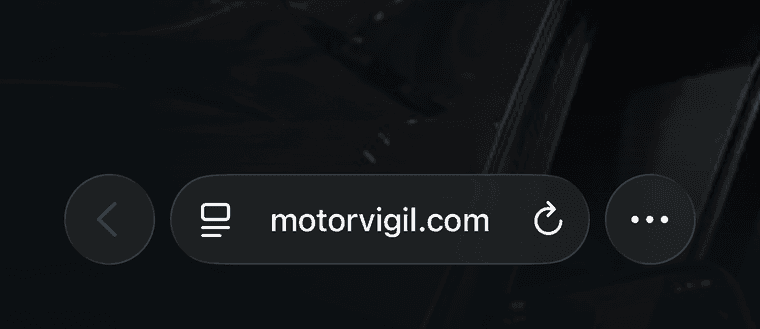
1,280 MI OVER · 2024 750SNo app store, no download, no account with a second company. Add it from the browser and it gets its own icon, opens full screen, and stays signed in — which matters because of where this app is used: beside the car, one-handed, reading a number off a cluster.
 1 / 6
1 / 6
Captured on iOS 26. On iOS 18 and earlier, Safari has a Share button in the toolbar itself — tap that and carry on from step 3.